Puzzle
4.1
Airplane Memory
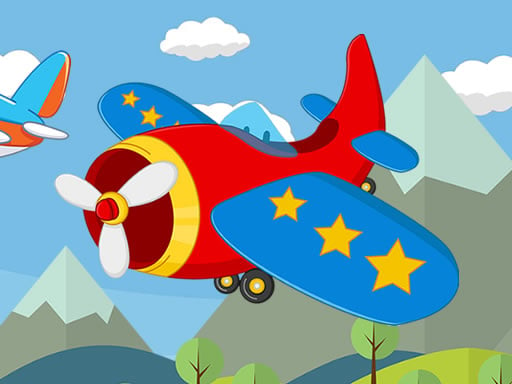
Airplane Memory
6,160
Airplane Memory is a fun, free online game that combines elements of memory and airplane-themed visuals. Your goal is to flip over tiles and find matching pairs. Successfully pair all the tiles to win the game, aiming for the fewest moves possible. With four different levels to challenge you, simply use your mouse or tap on the screen to select the tiles. Focus and concentration will be key as you progress through each level. Get ready to test your memory skills and have a great time playing!
Recommended Games
Kick the Buddy Jigsaw
4.84,553
Use mouse clicks or touch screen taps to interact with the game elements, making selections or initiating actions directly.

EG Smiles
4.17,201
Control the character using mouse clicks or touch gestures for smooth navigation and interaction within the game environment.
King of Jungle
4.96,750
Click and drag using your mouse to interact with elements in the game. Adjust your aim and release the button to perform actions or make selections. Use these interactions to navigate through levels and solve puzzles.
Scatty Maps: Europe
4.96,148
Arrange and place country maps accurately on the correct positions on the globe.
Cute Little Horse Jigsaw
4.16,918
Use mouse to click or tap screen to interact in this game
Masha Puzzle Time
4.24,791
Click or tap on the screen to interact and progress through the game. Use these inputs to respond to in-game prompts, solve puzzles, and engage with game elements.

Abstract Golf
4.03,577
Use mouse or touch screen to aim. Click mouse button or release finger to shoot.
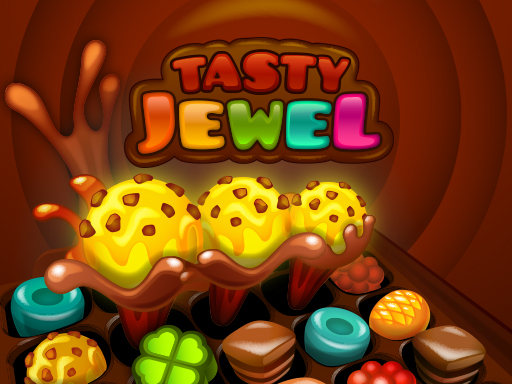
Tasty Jewel
4.07,336
Swap and match the jewel sweets to create chains of 3 or more of the same color. Longer matches of 4 or more jewels trigger powerful special effects that can clear many sweets at once, helping you progress faster.

Funny Helicopter Memory
4.57,625
Use mouse clicks or screen taps to interact with the game elements, making selections or triggering actions.
BTS Minecraft Coloring
4.14,648
Click or tap on the screen to interact and progress through the game. Use these inputs to respond to in-game prompts, solve puzzles, and navigate levels.
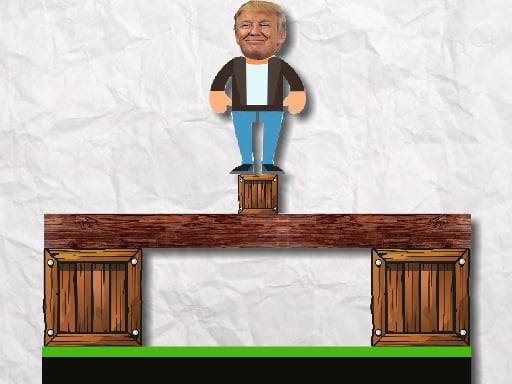
Trump Ragdoll 2
4.17,682
Click or tap the screen to interact and control the character or selected elements within the game. Use these inputs to navigate through levels, solve puzzles, and achieve objectives.
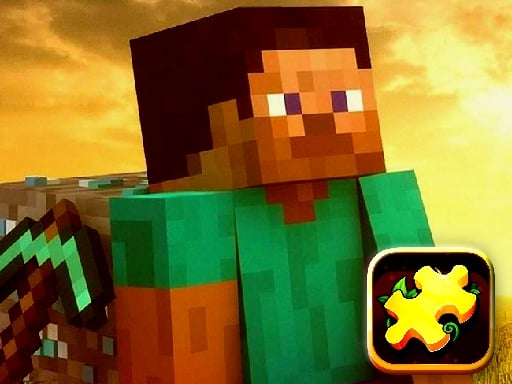
Minecraft Puzzle Time
4.73,196
Click or tap on the screen to interact and control elements within the game. Use these inputs to navigate characters, select options, or trigger actions as indicated by the game interface.
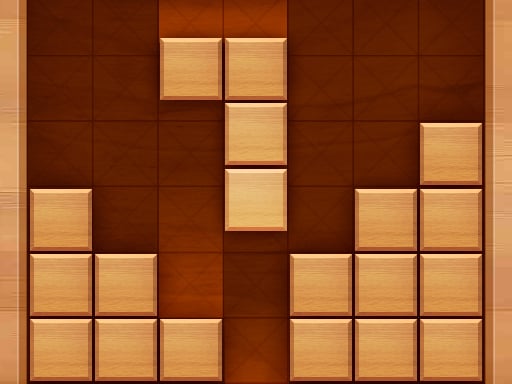
Wood Block Puzzle
4.17,127
Use mouse for navigation and interaction. Click to select items or confirm actions. Drag to move objects or characters. Scroll to zoom in and out of the scene.
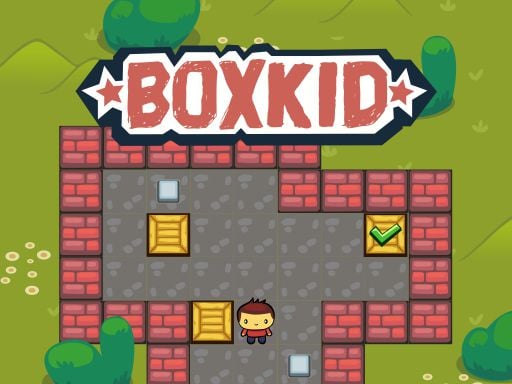
BoxKid
4.55,203
Tap the bottom left button icon during gameplay to switch between different control schemes, enhancing accessibility and personalization for all players.
Trucks and Digger Jigsaw
4.54,812
Use the mouse to interact with elements in the game, clicking or hovering over objects to trigger actions and navigate through levels.
Toby's Adventures
4.56,919
Navigate using arrow keys to move left, right, up, or down and tap X to jump over obstacles or reach higher platforms.
Bingo Pop
4.57,982
In this game, players navigate using a mouse. Clicking on objects or areas within the game environment allows interaction, such as selecting items, triggering events, or moving around map interfaces. The mouse acts as the primary tool for engagement, offering direct manipulation capabilities that enhance user experience and control.
The Gladiators
4.13,567
Connect three or more elements of the same type to form a match. Upon matching, you earn a bonus coin. If the matched element type matches the enemy's target element, your player automatically attacks the enemy. The damage inflicted on the enemy increases with the number of elements connected in the match.

Currency Symbols
4.55,745
Use touch or mouse to interact with elements on screen for gameplay.
Happy Glass Puzzles
4.43,595
Click or tap to select items or proceed through the game interface. Use clicks or taps to interact with elements, advance dialogue, or confirm actions within the game.